Salesforce Security Health Check: What to Review Every 6-12 Months
How safe is your Salesforce org after months of quiet changes no one remembers approving? A Salesforce security health check every 6-12 months acts as a reset point – if you count on speed and frequent change cycles, plus plan scaling. Because with time, silent misconfigurations slip in, access expands sideways, and overall security posture worsens.
Long-standing setups, rushed fixes, inherited permissions – this quite typical picture often creates a false sense of safety, until, say, compliance reviews expose uncomfortable gaps. A regular Salesforce health check review helps both admins and the company’s senior executives regain oversight of Salesforce security, reduce audit anxiety, and re-establish accountability in the org.
What’s more, SF updates come three times a year, and this raises the stakes even further. With each seasonal rollout new settings, features, and defaults can subtly reshape risk boundaries. Without follow-up Salesforce security checks, even mature specialists can miss how platform changes affect data exposure. (And this is why we keep returning to the same point: treat security reviews as a cadence, not a reaction.)
In this article, we’ll explain how performing a Salesforce security health check and an overall disciplined approach to it cut through access sprawl, surface silent risks, and return clear ownership of security to you.
Value of Running Salesforce Health Check Regularly
The logic is obvious. SF health reviews work like a routine inspection for a high-traffic bridge: nothing looks broken at a glance. Yet, small shifts accumulated over time weaken the structure.
Read Also: What Is a Salesforce Health Check and Why Your Org Needs One?
In the same way, regular Salesforce security health checks remove the false sense of safety (we’ve mentioned above) which builds when admins assume yesterday’s setup still holds Okay today.
Here is why repeated checks pay off – technically:
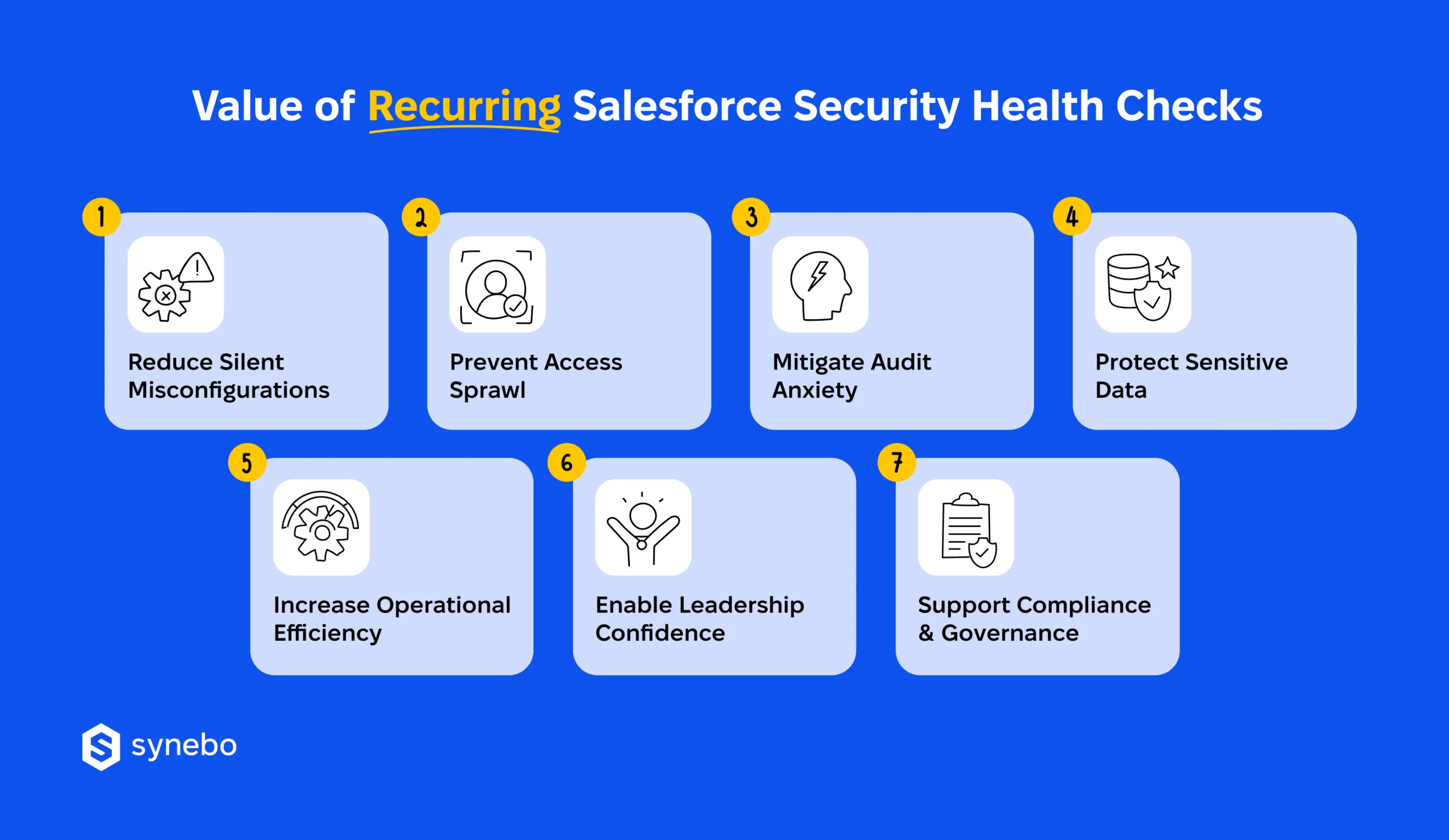
- They reduce silent misconfigurations. Permission sets, sharing rules, automation paths evolve with every SF release and your project. A Salesforce org health check you make 1-2 times a year finds small deviations before they compound into exposure that no alert ever flagged.
- They stop uncontrolled access growth. Temporary access tends to outstay its purpose in many companies. Periodic validation reins in overextended roles, unused profiles, legacy permissions which always widen the attack surface.
- They significantly mitigate your audit anxiety. A structured Salesforce security audit replaces last-minute scrambling with steady readiness. Evidence stays current, documentation remains usable, and you remove your very probable fear of unexpected compliance problems.
- They protect your sensitive data. Field-level visibility, encryption settings, and integration permissions demand your ongoing attention. A scheduled Salesforce health check and optimization cycle verifies that your customer, financial, and operational data stay shielded as your org grows.
- They increase your operational efficiency. Cleaner access models in your org shorten troubleshooting cycles and – so – reduce admin overhead and lower the cost of maintenance among your teams.
- They effectively support compliance and governance. Your policies (any policies, in fact) only work when they are enforced. Recurring Salesforce org assessments validate controls against internal rules and external standards before any gaps turn visible and may cause problems.
- They reinforce confidence among decision-makers. Your strategists don’t rely on assumptions when the setup is secured and works correctly. Instead, they gain a grounded view of risk and opportunities. Clear findings support their decisions without tech fog.
So, regular Salesforce security audits close the big gap between “configured once” and “controlled continuously.” Ultimately, repeating health checks greatly protects your time, makes any risks fully visible and accountable, boosts your system performance, and creates space for your business expansion.
You can take control of your org before hidden risks take control of you. Let our specialists guide you through a Salesforce health check process and ensure risks are visible, compliance is verifiable, and workflows perform at peak.
What to Inspect: Your Salesforce Health Check Handbook
We know your time is limited. We may also assume that the health check ownership can feel blurred. That is why Salesforce consultants from Synebo have prepared this compact handbook to help you understand what deserves attention – one area at a time.
Read Also: How to Run a Salesforce Health Check
Access & Permissions Review
Access grows faster than it shrinks. This area exposes access sprawl before it becomes an invisible risk.
The items we recommend paying your attention to:
- Profiles vs. permission sets usage and overlap
- Dormant users, inactive roles, and legacy access
- Temporary permissions that never expired
- Role hierarchy relevance to the current org structure
A structured Salesforce org health check highlights who can see what – and why that still exists in your setup.
Authentication & MFA Check
Login controls age quietly – еspecially after org growth or mergers. Unchecked, outdated login policies open unnoticed vulnerabilities.
Here, essential areas to assess when performing a Salesforce health check are:
- MFA enforcement status across user groups
- Auth methods used by admins and integrations
- Session settings, IP relaxations, login hours
- Exceptions created for speed that now linger
This assessment reduces blind trust in security that once worked but no longer reflects reality.
Config & Security Settings Control
Settings rarely break; they drift. We often see in our practice that small misalignments accumulate and silently weaken your org’s security.
So, what to review in your Salesforce org?
- Org-wide defaults and sharing model logic
- Password policies and session timeouts
- Shield Platform Encryption configuration
- Release-driven changes that affect security posture
A periodic security health check in Salesforce spots small deviations before they turn into exposure.
Read Also: Salesforce Spring ‘26 Release: What Changes for Your Business
Data & Sharing Hygiene
Data protection fails when sharing logic becomes, let’s say, folklore. Unchecked sharing rules and access patterns that got outdated expose sensitive info under the radar.
What we advise focusing on in the health check for Salesforce:
- Public reports and dashboards with broad visibility
- Field-level access to regulated or sensitive data
- Manual shares created for past use cases
- Ownership patterns that no longer map to teams
This helps you restore trust in how your data moves and where it should stop.
Integrations & 3rd-Party Apps Check
Your integrations deserve the same scrutiny as your users. Overlooked 3rd-party access broadens potential attack vectors, too.
Some critical points to examine during your Salesforce org health assessment are:
- Connected apps with unused or excessive scopes
- API-only users tied to retired tools
- Token policies and refresh behavior
- Vendor access tied to old contracts
Here, running a Salesforce security health check often reveals stealth misconfigurations no one actively owns.
Reporting & Continuous Monitoring
Security without visibility creates a false sense of safety, we’ve discussed this before. And a Salesforce security health check, combined with regular monitoring, ensures you detect deviations early, so they haven’t escalated into risk.
Here, your targets for inspection are:
- Login history, access trend reports
- Permission change tracking
- Alerts for unusual access patterns
- Ownership for ongoing review cycles
We can add that consistent reporting turns audits into routine reviews. They stop being stressful events for you.
Read Also: What to Do After a Salesforce Health Check: Next Steps
The checklist we’ve offered ensures robust control. And рotential threats lose their grip when visibility and checks are consistently enforced.
Don’t wait for gaps to appear – put your org under the right eyes. Synebo’s Salesforce specialists know where hidden risks hide and how to close them. Contact us.
Usual Security Blind Spots Discovered During Health Checks
When performing a Salesforce security health check, even seasoned specialists expect surprises. What surfaces instead feels more like déjà vu.
In fact, a Salesforce org health check rarely exposes dramatic failures. It much more often uncovers quiet, repeating weaknesses.
This is what usually slips past day-to-day oversight:
- Temporary permissions unnoticeably become permanent. Access that was granted “until quarter-end” rarely receives a second look. Over time, permission sets pile up, ownership fades, and unchecked access grows. A proper Salesforce security assessment flags these leftovers before they weaken internal controls.
- MFA exists on paper only. Our experience proves that many companies enable multi-factor authentication and stop there. Ехсерtions, legacy profiles, service users effortlessly bypass enforcement. When performing a Salesforce health check, auditors often find MFA configured but unevenly applied.
- Integrations rely on personal user accounts. APIs that were tied to named users almost always survive role changes, offboarding, or password resets. This setup masks risk until you have an incident that forces an investigation. A health review detects these hidden dependencies and highlights where ownership is dissolved.
- Reports disclose more than they should. Sensitive fields slip into exports, scheduled emails, and/or shared folders. Access looks legitimate – yes, yet data travels far beyond its original audience. When you launch a Salesforce security health check, it reveals how reporting logic and practices bypass field-level protections with no triggering alerts.
These blind spots persist because nothing breaks immediately.
Read Also: Common Salesforce Security Gaps Found During Audits
If you make reviews regularly, you reduce silent misconfigurations. And restore confidence before auditors – or attackers – ask uncomfortable questions.
Ownership & Accountability – Who Owns Salesforce Security?
Security inside your Salesforce org rarely-to-never collapses overnight. It thins out quietly when responsibility spreads between your teams and no one feels accountable. Our experience shows that a Salesforce security health check delivers value only after its ownership has landed on named roles. Otherwise, reviews turn into rituals that calm nerves, yet risks stay in place.
Here is what we recommend – to make roles and responsibilities stick.
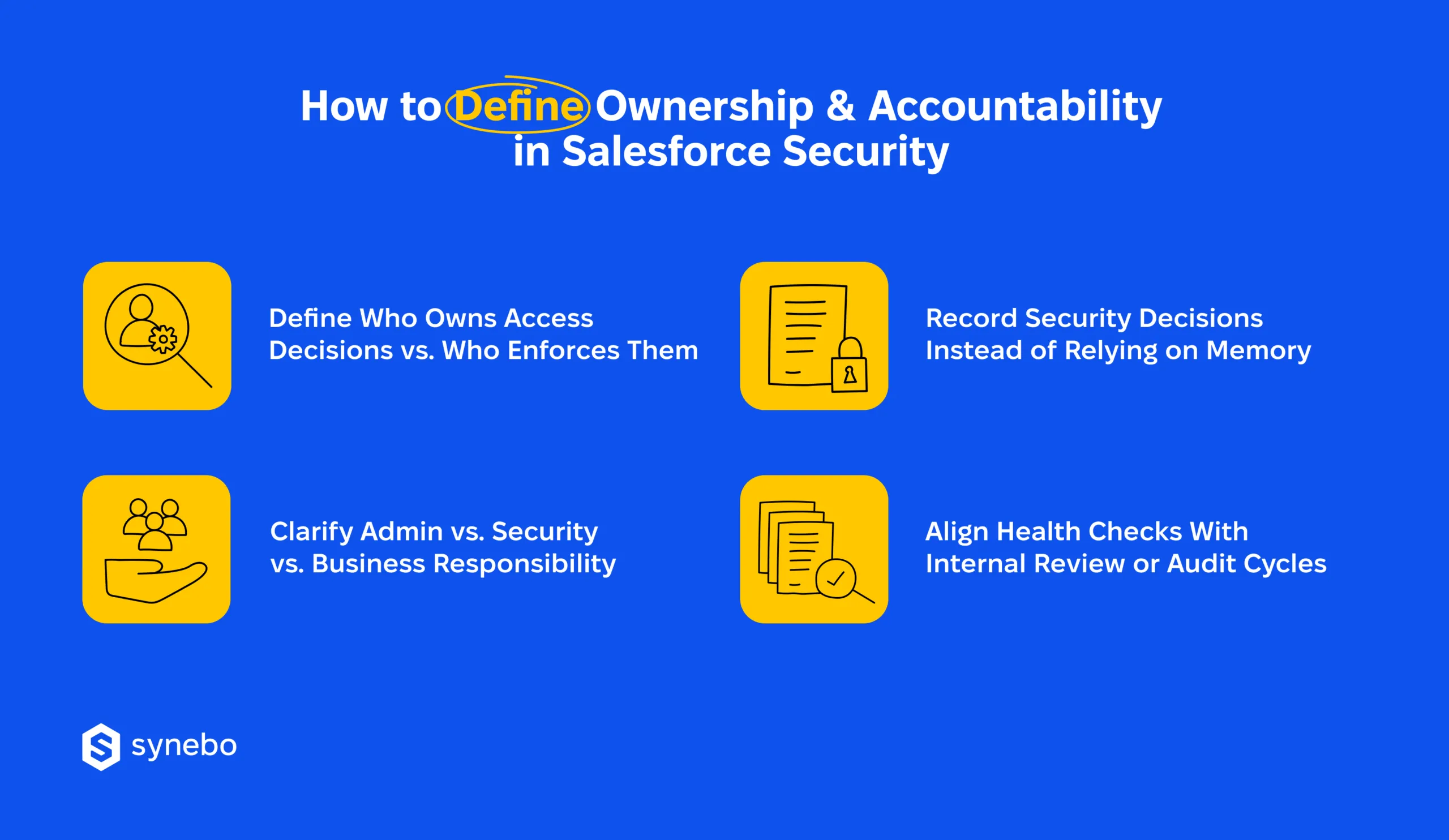
Separate Decision Rights from Enforcement Duties
Access approvals often originate in business teams, technical controls – in admins or IT. Problems appear when those lines blur. During a Salesforce health check audit, teams that distinguish who grants access and who applies controls, spot silent misconfigurations far earlier.
Define Admin, Security & Business Roles іn Plain Terms
For example: your admins maintain configurations, security teams – risk posture, strategists – accept exposure tied to revenue or operations. When everyone “sort of” owns security, nobody truly carries it. Your org benefits from explicit boundaries that prevent excessive access spread.
Record Security Decisions Outside People’s Memory
We’ve noticed that many exceptions live inside inboxes or personal notes. Once staff rotate or priorities shift, context disappears. Written records turn past choices into traceable rationale, which matters when performing a Salesforce security health check months later.
Sync Health Checks with Internal Reviews or Audits
Security health checks for Salesforce gain weight when they follow the same cadence as risk assessments, compliance reviews, or board reporting. We advise it as this timing replaces a false sense of safety with continuous visibility.
Ultimately, clear ownership shapes the way security works – it’s proven in practice. When your roles stand firm, and your decisions leave a paper trail, Salesforce security health checks stop chasing issues and start preventing them (before time and responsibility blur again).
When Health Checks Become Critical
Let’s get straight to the point: your Salesforce security health check counts most in times of change. Not because something already failed, but because risk tends to slip in – imperceptibly – while you and your team focus elsewhere.
These are some critical junctures that demand your closer look:
- Quick growth of users or shifting roles. Your headcount expands? Тeam reorganizes? Responsibilities stretch? Start a Salesforce org assessment. It will highlight permissions that survived role changes. Now they hide behind old titles and expose access sprawl.
- New integrations or external systems. Every connection surely adds complexity, plus expands your exposure. Service accounts, API tokens, and data pipelines pop up quickly. Then they usually fade from attention. We strongly recommend performing a health review – you’ll reveal misconfigurations that blend into your daily operations.
- Preparation for audits or certifications. Typically, audit pressure reveals this false sense of safety (controls exist, yet evidence feels scattered). A Salesforce org health-check assessment will reduce your anxiety. It will confirm what stands OK and what needs correction.
- Admin turnover or org ownership change. In almost all companies, knowledge leaves with people. Decisions linger in chat threads or personal notes. So, making a health check in Salesforce restores visibility and re-establishes accountability in your org.
In many scenarios like these, companies lean on professional Salesforce health check services and experienced Salesforce consulting partners. Such support brings an external lens and reduces time loss when change accelerates.
As our final note, health checks turn critical not after incidents. But before your confidence turns into complacency.
From Occasional Audits to Ongoing Control
So, a Salesforce security health check sets direction. Yet, real risk lives in the months between reviews. As we discussed here, misconfigurations go unnoticed and accumulate, access quietly expands, but… confidence remains strong. Stronger than evidence. And without follow-through, a health assessment fades into just paperwork.
Beyond just security, routine assessments deliver additional perks – they test more than your settings. A Salesforce security audit looks for ownership, rationale, and consistency – across time. When roles in your team are vague, or decisions are undocumented, even well-configured orgs feel exposed.
In the end, strong security relies on rhythm and accountability. Clear owners, predictable review cycles, and visible decisions curb creeping access and reduce the time lost to uncertainty. This discipline protects you when priorities shift or your staff changes.
If your internal capacity stretches thin, our Salesforce specialists can provide an expert lens and restore your certainty and business velocity. So, if you need an independent view, hire a Salesforce consultant at Synebo to reinforce security before gaps grow loud.
Security holds best when it is reviewed, owned, and revisited.